/
Can’t decide between Clevera and Trupeer?
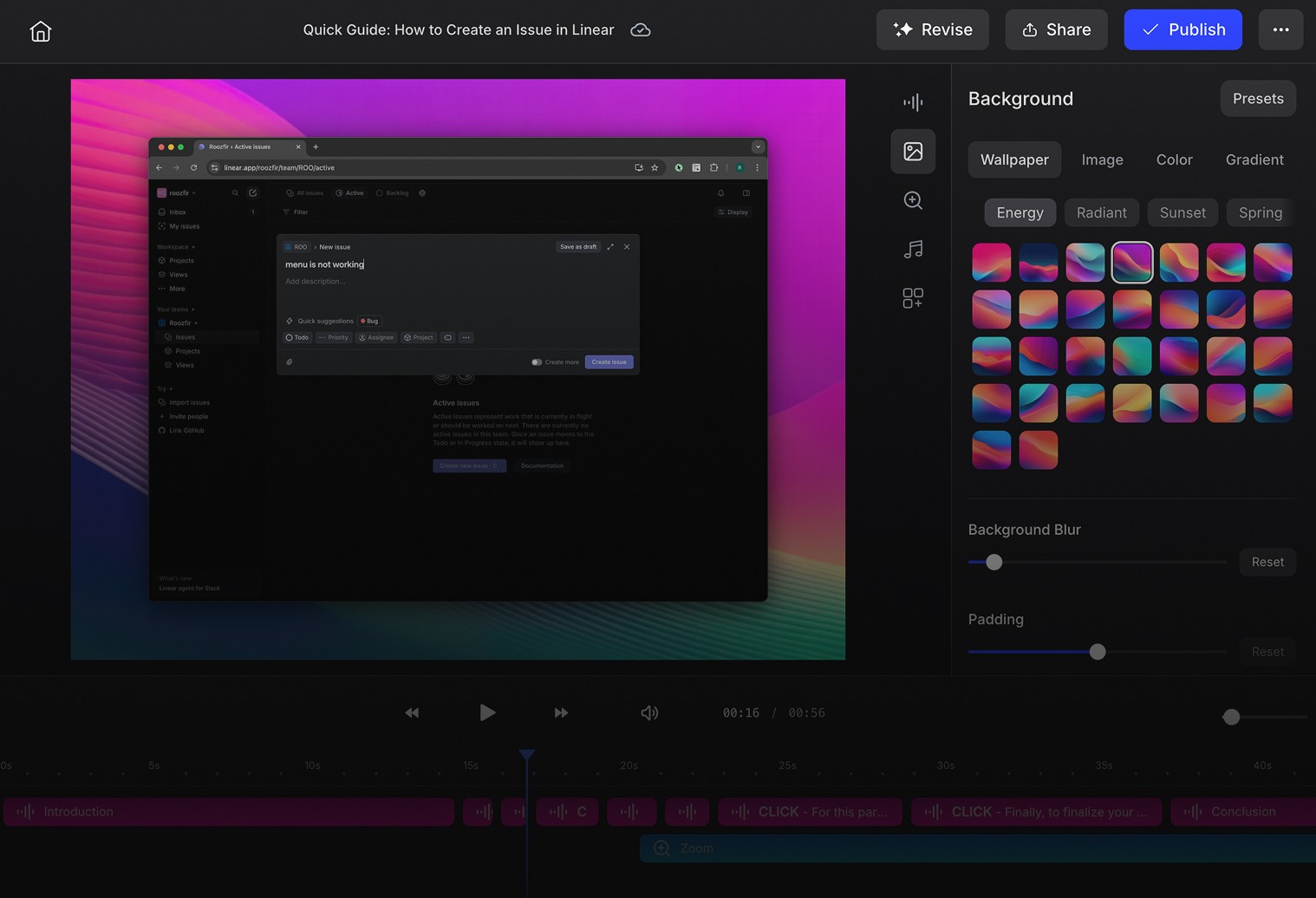
Both Clevera and Trupeer turn screen recordings into product videos — but Trupeer needs you to do the talking first. You record, narrate, and then the AI cleans up what you said. Clevera works the other way around: record in complete silence on Mac or Windows, and the AI watches what happened on screen, writes the narration from scratch, and voices it naturally — no mic, no script, no takes. And because Clevera records natively on your desktop rather than through a browser extension, the video quality is in a different league entirely.
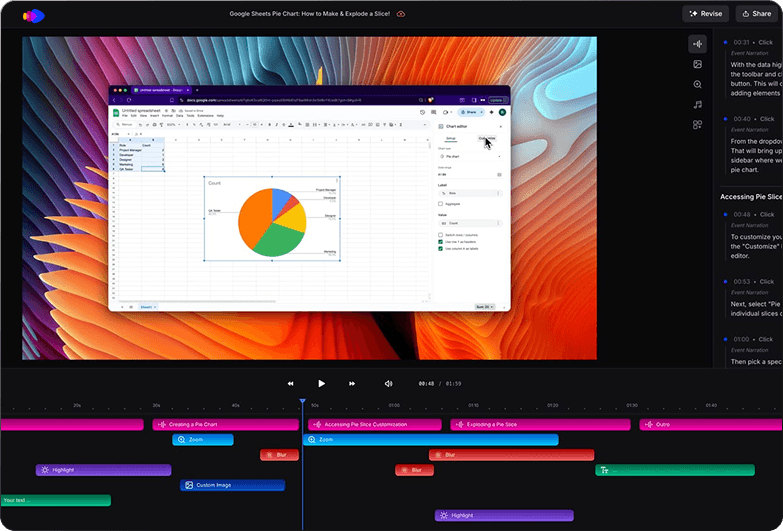
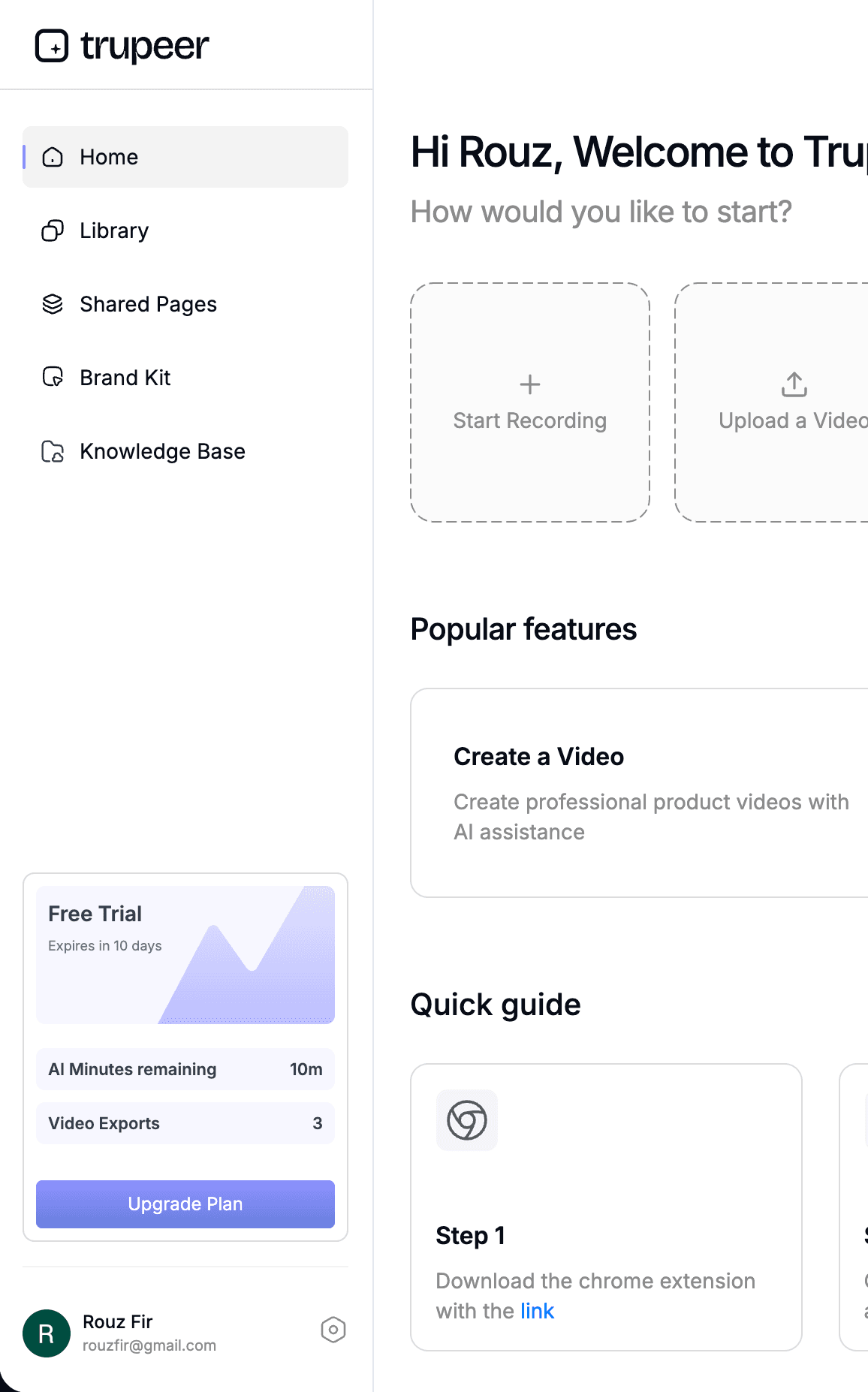
Why teams pick Clevera over Trupeer
No talking required
Trupeer needs you to narrate while recording or type a script manually. Clevera watches your silent recording and writes the narration itself — so you never have to find a quiet room or do another take.

AI-written narration, not AI-cleaned speech
Trupeer's AI polishes what you said. Clevera's AI reads what you did — understanding the full context of your actions — and writes a clear, connected explanation from nothing.
Native quality, not browser quality
Trupeer records through a Chrome extension — Clevera records natively on Mac and Windows. The difference shows up immediately: sharper resolution, smoother motion, and videos that look professional without any post-processing.
| Feature | Clevera | Trupeer |
|---|---|---|
| Narration from silent recording | Yes — AI writes narration from mute video, no speech needed | No — requires user to speak or manually write a script |
| AI narration writer | Context-aware, full-flow script based on screen actions | Script refinement of user-provided narration |
| AI voiceover | Natural human-like TTS generated from AI-written script | AI cleans and re-voices what the user recorded |
| User speech required | ||
| AI video editing | Yes — trims pauses, removes misclicks, syncs voice | Partial — automated zooms and highlights |
| LiveSync (no re-export) | ||
| Auto translation | ||
| Collaboration / Roles | ||
| Output formats | MP4, HTML embed | MP4, PDF, Word, Markdown |
| Recording platform | Native desktop app — Mac and Windows (all apps + web) | Chrome extension only (browser-based apps only) |
| AI usage limits | No credit-based limits | Credit system — 20 AI minutes (Pro) / 100 AI minutes (Scale) |
| AI avatars | ||
| Step-by-step guide export | ||
| Branding control | ||
| Pricing | Starting from $99/month | Starting from $40/month |
| Real full-motion video output | Full-motion video | Assembled clips with zoom effects |
Why teams switch to Clevera
Record in silence
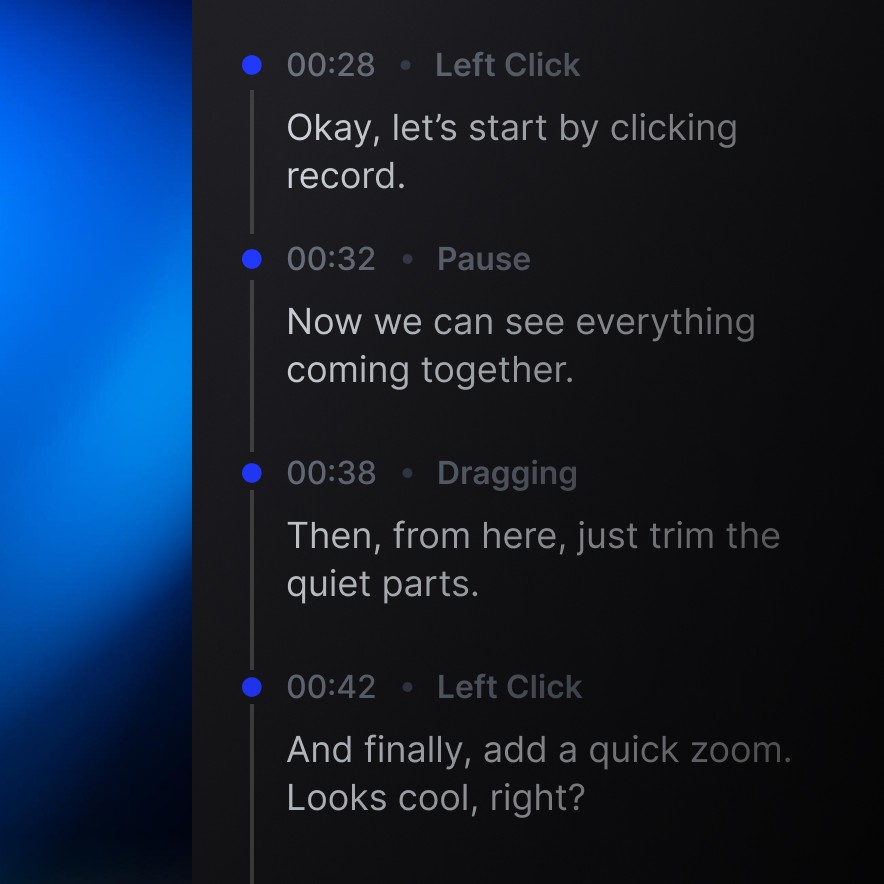
With Trupeer, you need to narrate as you record, or write a script after the fact. Clevera removes that entirely. Record your screen without saying a word, and the AI watches the footage, understands what's happening, and writes and voices a complete narration for you.

Narration that understands, not just transcribes
Because Clevera generates narration from scratch — not from what you said — it can connect actions across the whole recording, explain the why behind each step, and write in a natural voice that sounds intentional rather than improvised.
Desktop-quality video, on Mac and Windows
Trupeer captures your screen through a Chrome tab. Clevera records natively on your desktop — whether you're on Mac or Windows — capturing every app, every motion, and every detail at full resolution. The result is visually sharper, smoother to watch, and far more credible as a finished product.
Which one fits your flow
Trupeer for teams comfortable narrating as they record and who need written documentation alongside the video — useful when your audience consumes guides as PDFs or embedded help articles inside the browser.
Clevera for teams who want to record in silence — on Mac or Windows — and get a finished, high-quality video back. Built for publishing polished tutorials, product demos, and onboarding flows without a microphone, a script, or a recording studio.
Let your recordings come to life
Try Clevera free