Create product videos and docs with AI
Start from a screen recording, a website link, or a sentence. Clevera writes, narrates, edits and publishes in minutes.
Trusted by 3000+ companies worldwide










Made with Clevera

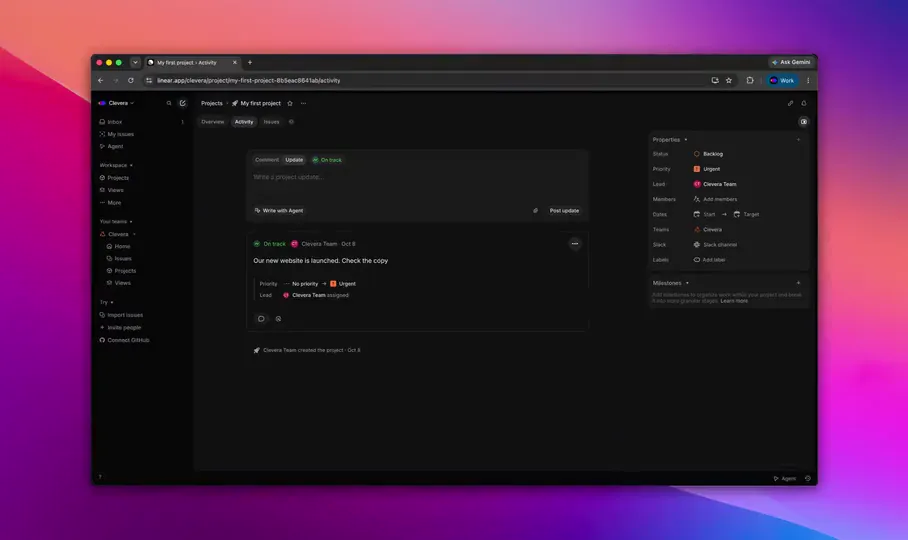
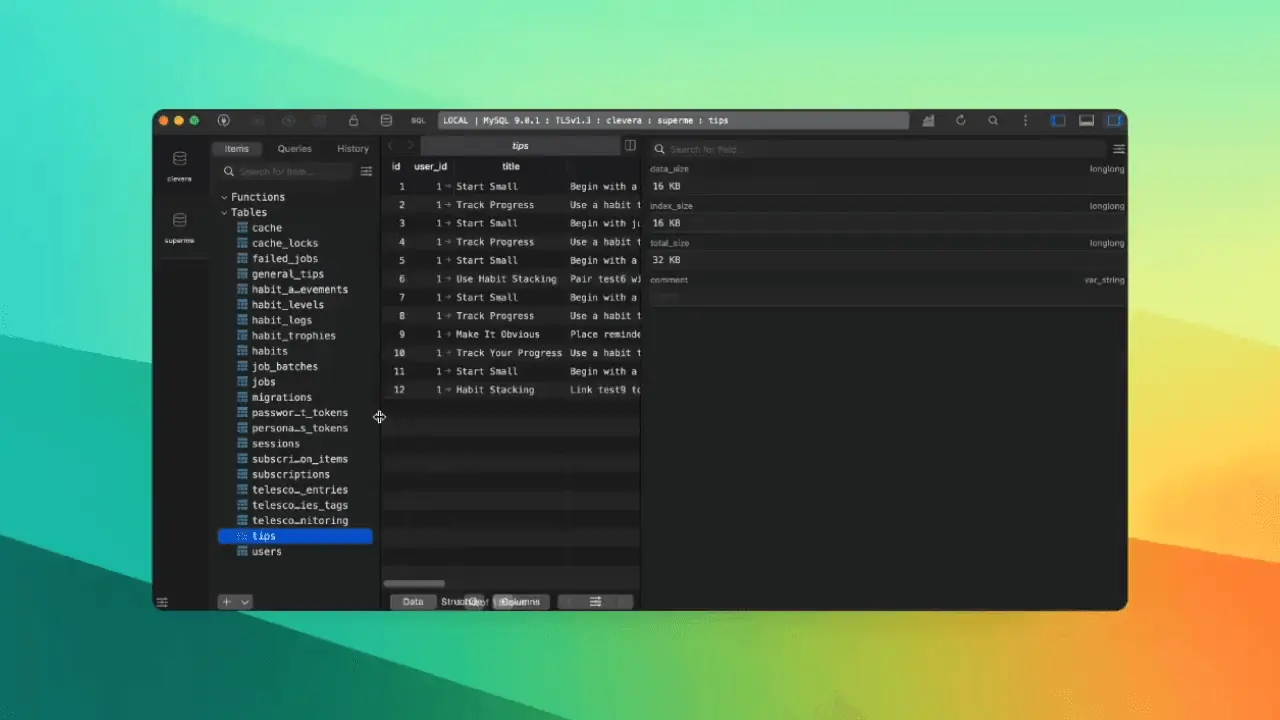

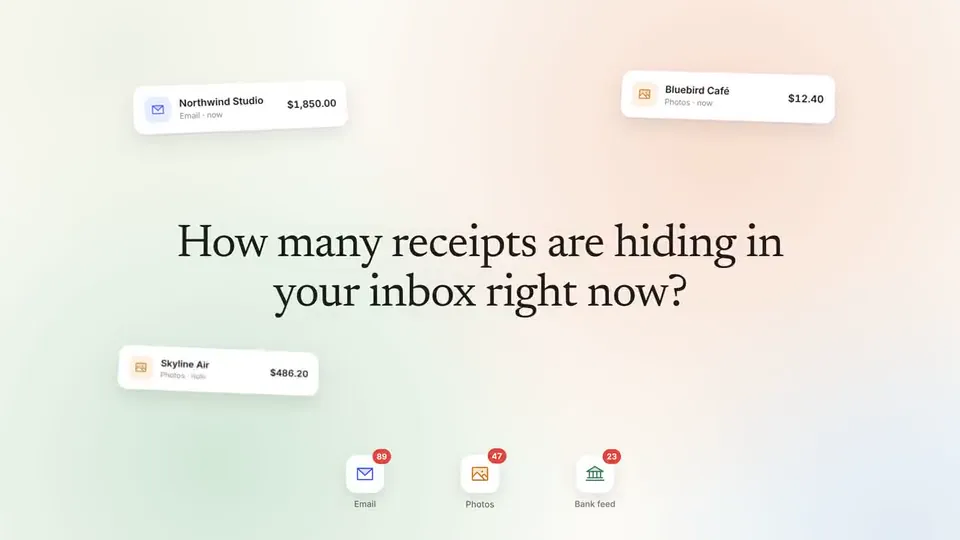
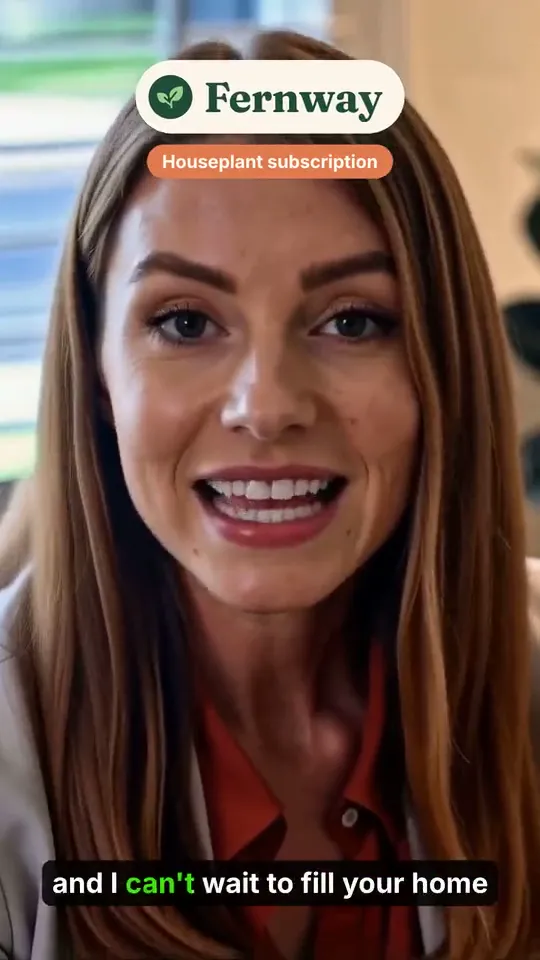

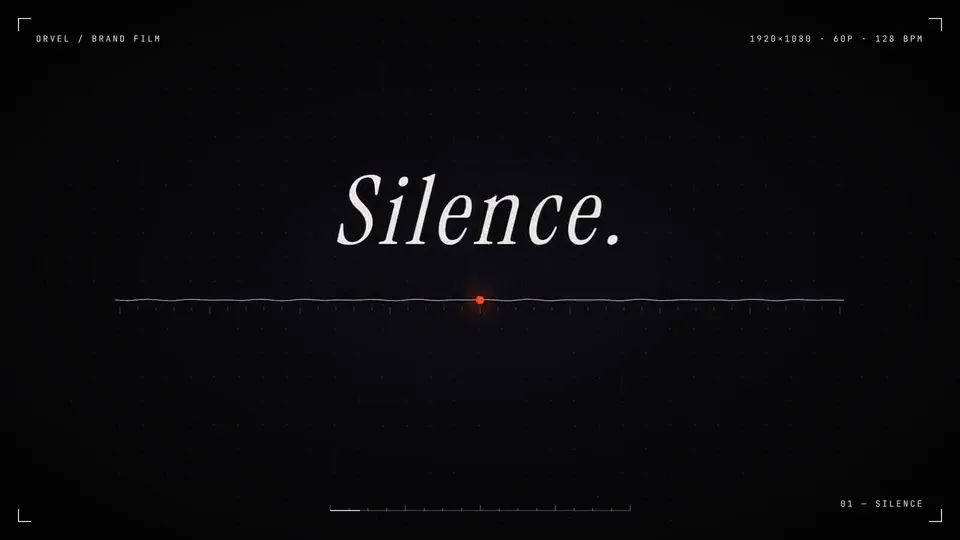
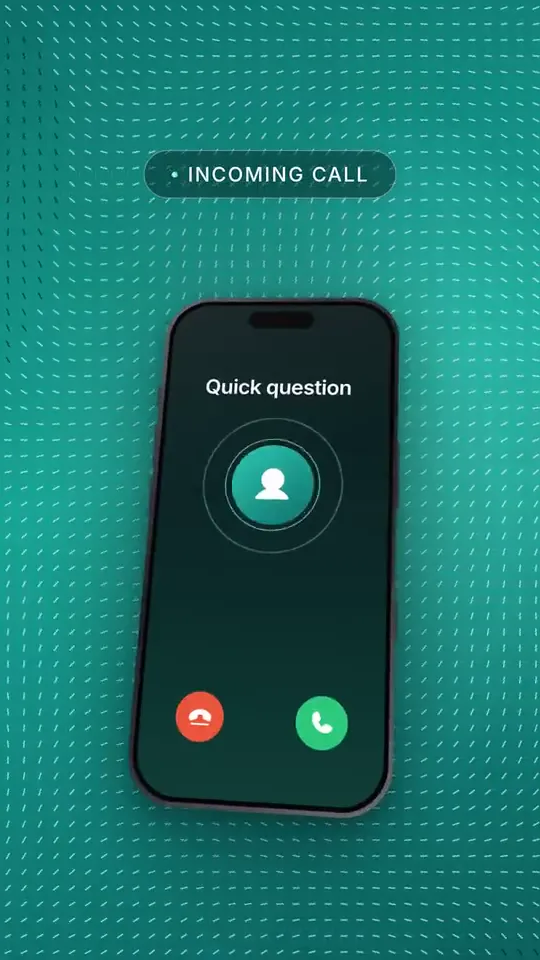
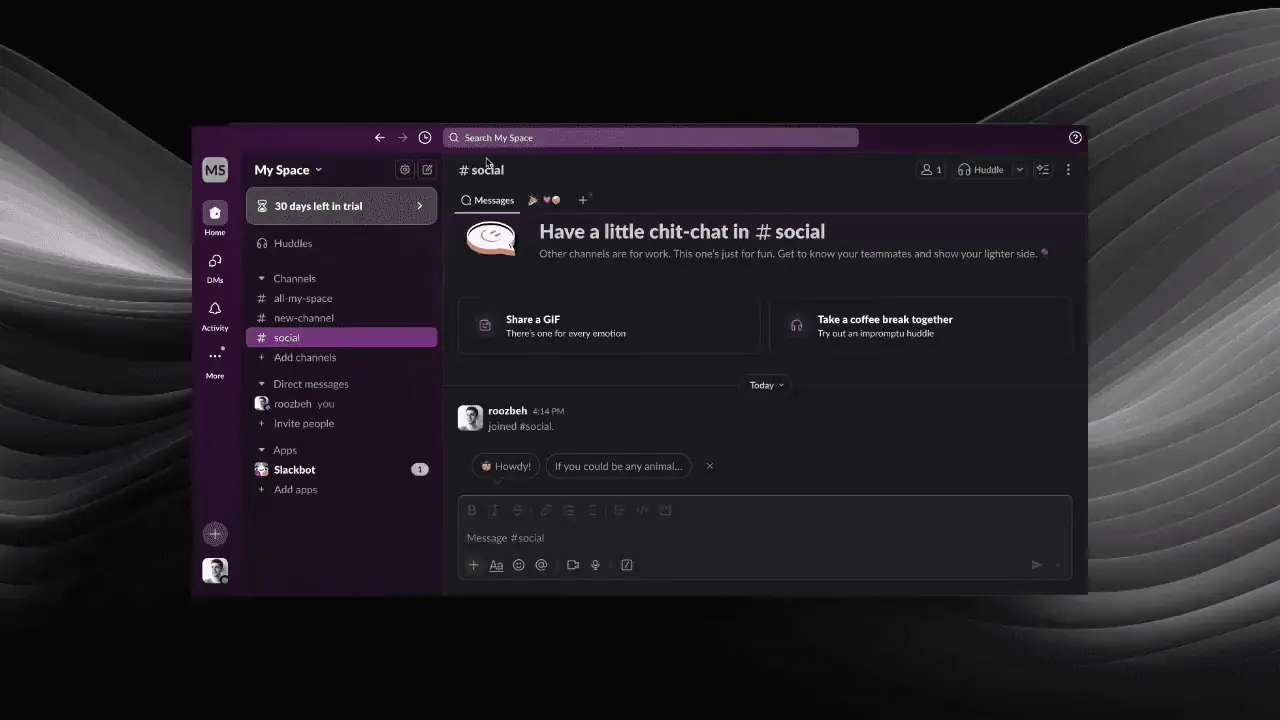
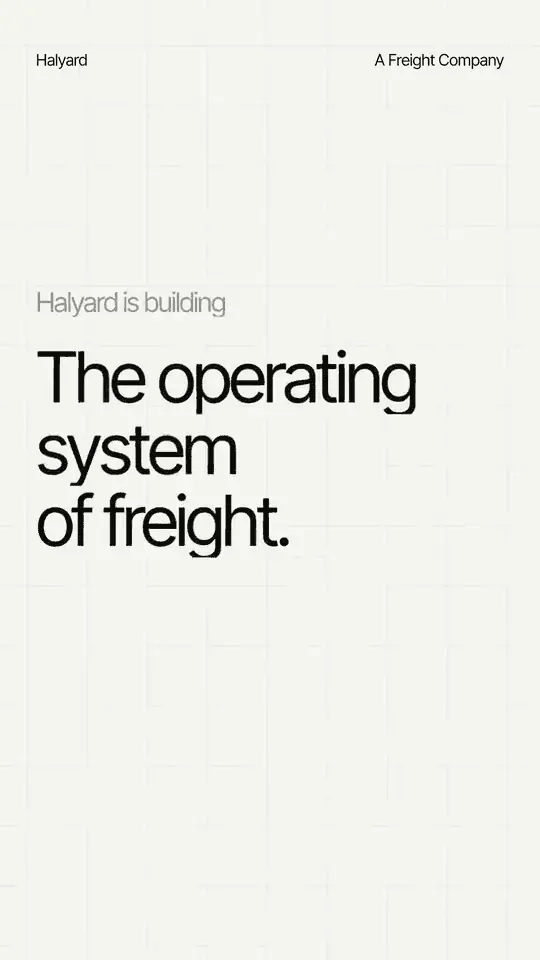
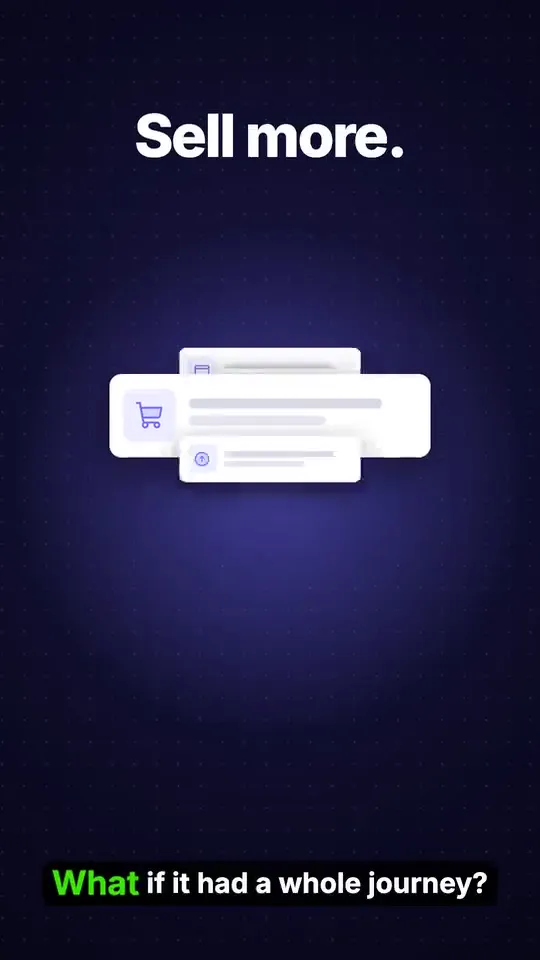

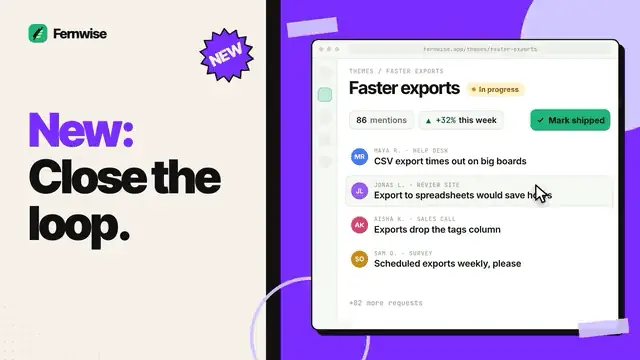

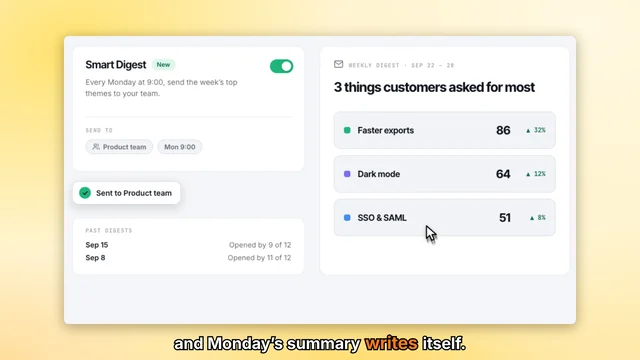
Clevera understands your product from whatever you give it, then writes, records and designs the rest. One source can become a video, a demo, a social clip and an article.
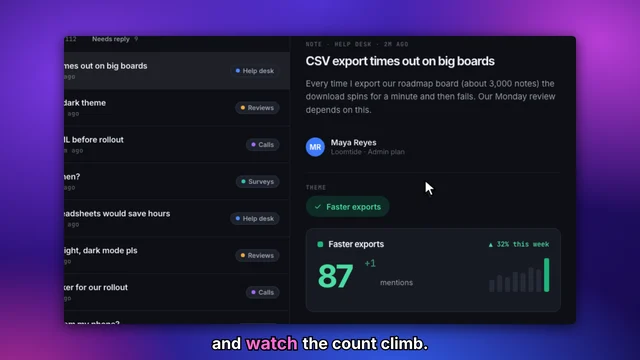
Turn a silent screen recording into a narrated, edited video

Voiceover without a mic
Clevera writes the script from what happens on screen, in the tone you choose, and narrates it in a natural voice.

Edited for you
Pauses, mistakes and dead time are cut, and the video is timed to the narration.

Zooms and a smooth cursor
It zooms in on each action, and the cursor glides instead of jittering.
AI agents click through your app, record it and make the video.
Just type what you want, like “show how to invite a teammate”. It works out the steps itself, the way a person would, and can write the article too.
Promo videos and social clips, designed and made by AI
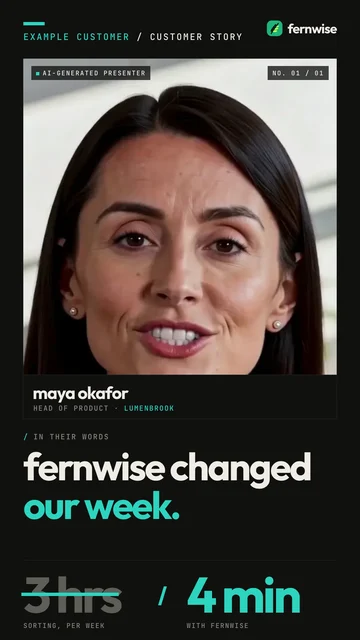
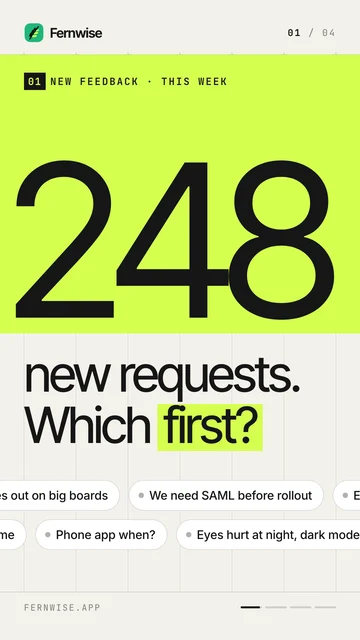
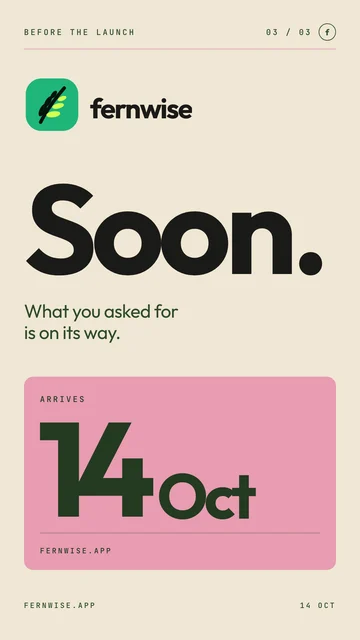
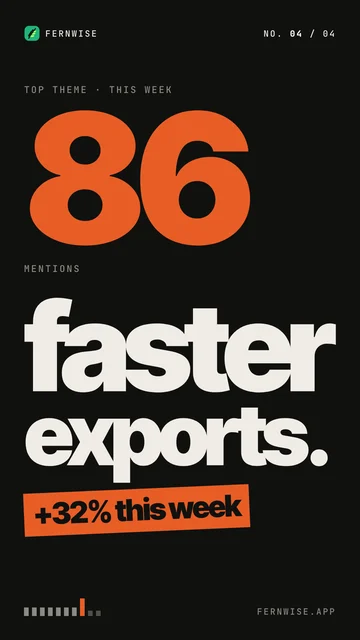
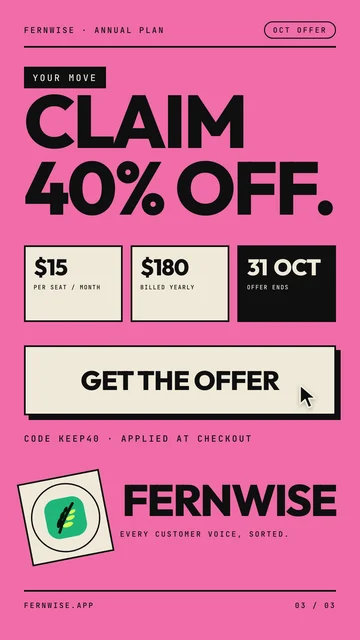
Feature launches, teasers, explainers, offer and event promos, customer stories, AI-presenter clips and brand films. Scripted, designed as motion graphics, narrated and scored. No designer, no editor.
AI presenter videos
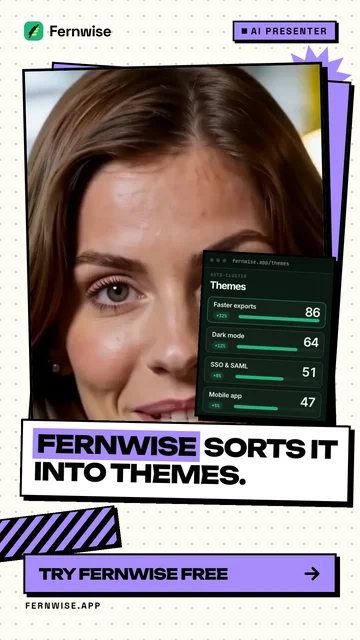
Pick an AI talking head to talk your viewers through the product, UGC-style.
On brand, automatically
Clevera reads your site and materials and styles the video in your colours, type and logo.
Edit your video by chatting with AI
Clevera’s AI assistant sits beside your video. Type what you want changed and it makes the edit, from trimming a scene to restyling the whole clip. Ask for something new and it builds that too.
74 languages
Translate the voiceover, the on-screen text and the article in a click. The app itself now works in 19 languages.
Automatically generate SEO-friendly help articles and docs.
Clevera watches what happens in your recording and writes it up as a step-by-step article.
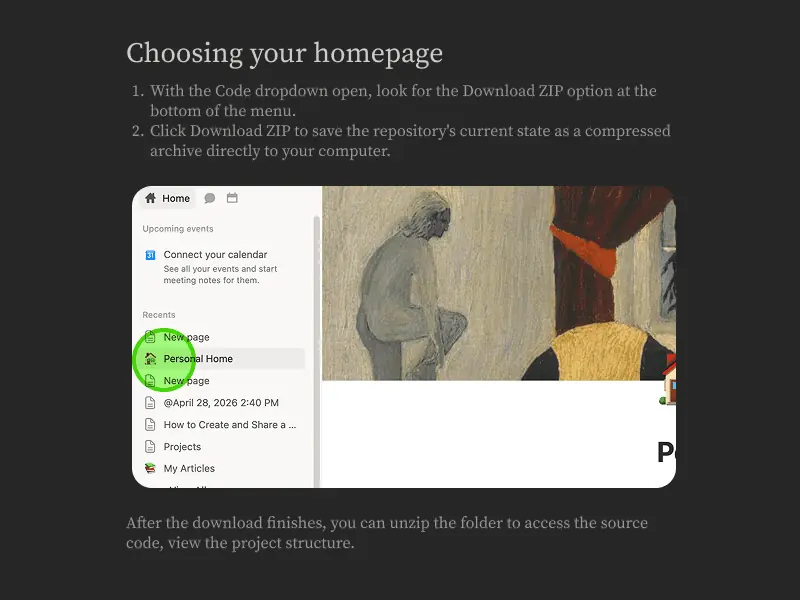
Screenshots picked for you
The right screenshot for each step, captioned, with the key area highlighted.
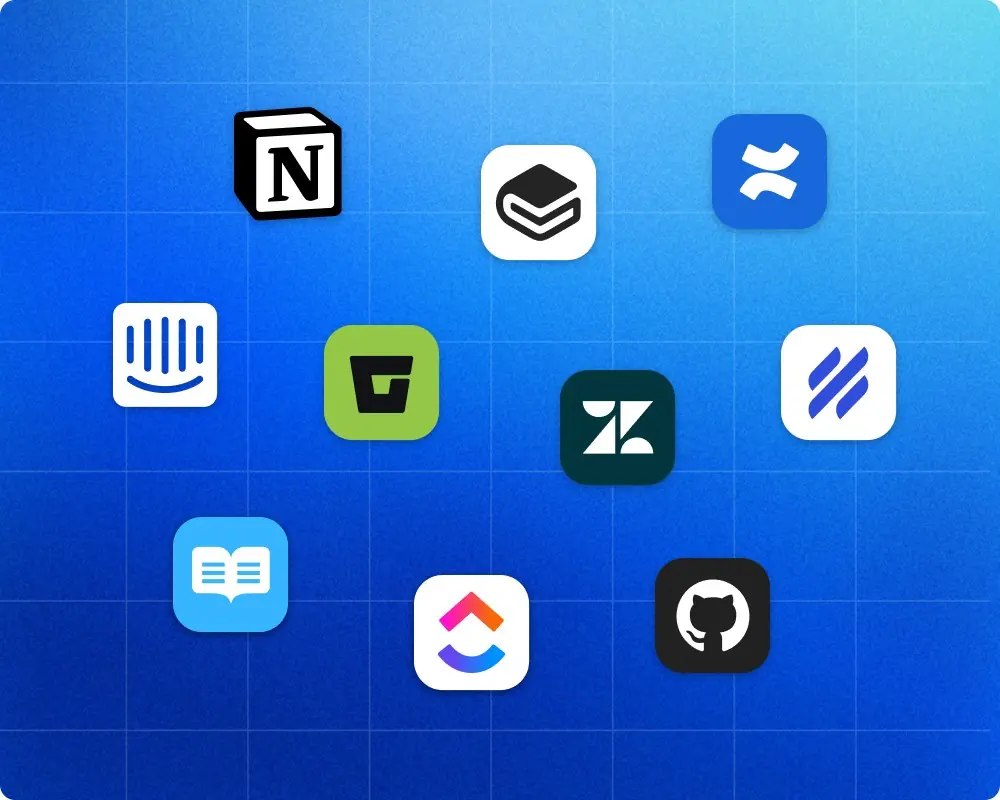
Publish to your tools
Host them as your own help center, or send them to Notion, Confluence, GitBook, GitHub, Google Docs and more.
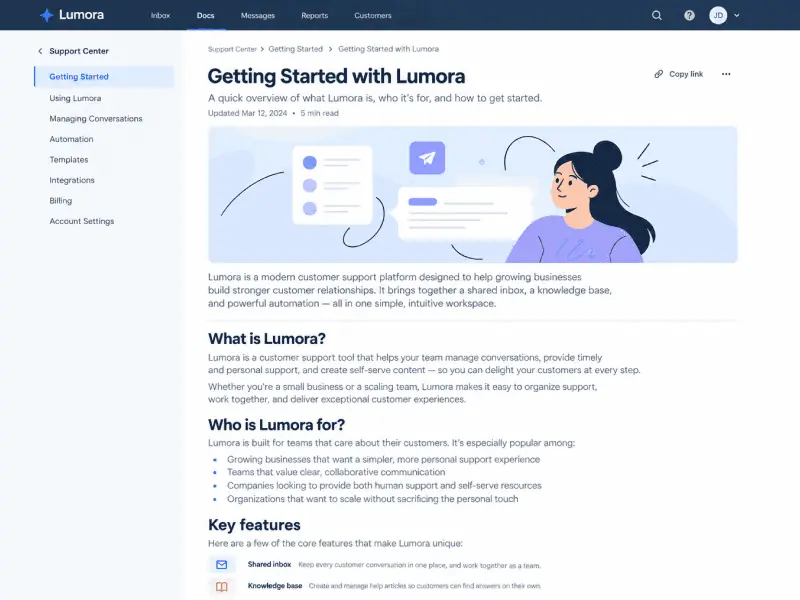
Embed once. Edit anytime.
Paste the embed into your website, help center or docs. Edit the content in Clevera and every embed updates.
Autopilot
Docs that update with every release.
Autopilot reads each release from GitHub, GitLab or Bitbucket, or your changelog page, finds the videos and articles it touches and plans the fixes for you to approve. Reshoots swap in at the same link and text fixes arrive as drafts. On Pro and Custom.
See how Autopilot worksShip videos 10x faster,
at up to 80% lower cost
tutorial videos redone in days, not months
MAZIAR FIROOZMAND · CMO, ARTBEES
hours of work saved on trainings
CIHAN SAVSAR · CO-FOUNDER, ANOCIN
or less to produce a tutorial video
CLEVERA BENCHMARK
“Before Clevera, we were handling videos manually. Since switching, we've saved significant time and the process is far smoother. It's been a genuinely useful tool for us.”



Enterprise-ready
Built for teams and security

AI rules
Set tone, terms, pronunciation and product context once for the whole team.

Roles & permissions
Owner, admin, content creator and editor roles. Unlimited editors; only creators count as seats.

AI agents & API
Connect Claude or ChatGPT to make videos and articles from your recordings, with spend caps you set. Pro and up.

Templates
Reuse title cards, logo reveals, music and style across every team video.

Where your data lives
The app and database run in Germany (EU). Uploaded files are stored on Amazon S3 and cloud renders run on AWS, both in the US.

Encryption everywhere
Customer data stays encrypted both in storage and while in transit.

Single Sign-On (SSO)
Secure team login through Single Sign-On, with SAML and OIDC support. Available on Custom plans.

Audit logs & activity reports
Track edits, exports and logins, with activity reports available on request.

Incident transparency
Get proactive incident updates via email and our public status page.

Clear retention policy
Customer data is deleted within 90 days after your account is closed.

Data deletion on demand
Request manual data deletion under our documented policy, with written confirmation.
Questions
Product videos and help content from one source: a screen recording, a website link or a sentence. Clevera writes, narrates, edits and designs how-to videos, product demos, short vertical social clips, AI presenter ads and promo videos, plus help articles and translations.
Tell Clevera what to show. The AI agent works out the steps, clicks through your web app like a person, records it and turns it into a video and article. It runs in the cloud and can sign in with a login you provide, which the AI never sees. Your app must be reachable from the internet. To record your own screen, use the Clevera app for Mac or Windows.
Pick a presenter look and a voice, and Clevera writes the script. The presenter talks viewers through your product, UGC-style, with no camera or actor. AI presenters are on Starter and Pro and use credits based on time on screen.
Ask the AI assistant to trim a scene, change the voice or restyle the clip, or edit the script and settings by hand. Embedded and shared videos update everywhere when you edit, while downloaded MP4s stay static.
Yes. Free gives you 100 credits a month and videos up to 3 minutes, which you share by link or embed. Social and promo videos come with Starter and up. Starter is $36 a month, and Pro starts at $124 a month for 2 creators, with extra creators at $36 each. Yearly billing is cheaper, and MP4 downloads are unlimited on paid plans.
Credits pay for AI work such as scripts, voiceover, presenters, translation and AI recording. Each generation shows an estimate first, and exporting never costs credits. Included credits reset monthly. On Starter and Pro you can buy extra credits that never expire, or upgrade.
Embed videos anywhere that accepts HTML or an iframe, or share a link. Articles can become a help center Clevera hosts, free on every plan. Pro adds publishing to Notion, Confluence, Help Scout, GitBook and WordPress. Every plan includes viewer analytics.
Instead of only recording what you do, Clevera’s AI agent can operate your app for you, then writes, narrates, edits and designs the video. One source becomes a how-to video, a social clip, a presenter ad and an article, in 74 languages, and you refine it by chatting.