7 best multilingual help center software tools in 2026
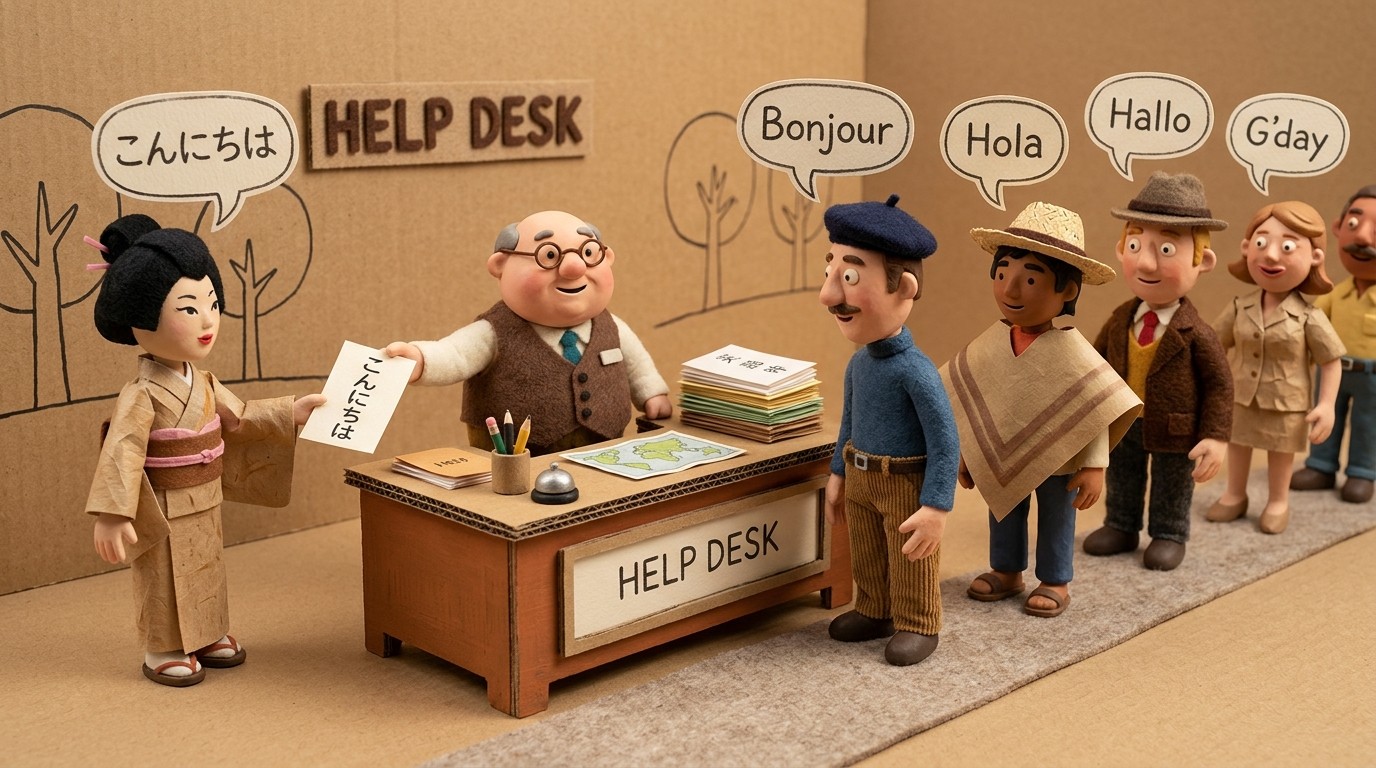
Building a help center for a global product means more than translating a few FAQ articles. It means keeping video tutorials in sync across languages, serving the right content to users based on their locale, and maintaining a manageable update process as your product changes.
The multilingual help center software market has matured a lot in recent years — some tools translate content automatically, some support per-language help center instances, and a small number now handle both the content creation and the translation in one workflow.
This list covers 7 of the best options in 2026, with a focus on what each tool does well and which type of team each fits.
What to look for in multilingual help center software
A few things worth evaluating before you pick:
Translation approach: Does the tool support machine translation, human translation workflows, or both? Can you translate tutorials automatically, or does it require manual effort per article?
Video support: Can you host tutorial videos alongside help articles, and does translation extend to video narration and captions — not just text?
Content sync: When you update your source-language content, does the translated version update automatically, or do you need to manually re-translate?
Locale routing: Does the platform serve the right language version to users based on their browser locale or explicit language preference?
Maintenance overhead: How much ongoing work does localization require as your product ships new features?
1. Clevera

Clevera is the best option for SaaS teams that want to translate tutorials automatically — including video narration, captions, and help articles — without maintaining parallel content files per language.
The workflow is straightforward: you record your screen once, Clevera generates a narrated tutorial video and a formatted help article, and then translates both into 70+ languages with a single click. The narration, captions, and written guide all translate together — so your multilingual help center has complete, consistent content in every language you support.
What sets Clevera apart:
Dual output from one recording: Every tutorial produces both a video and a written article. That's 2 multilingual assets for the price of 1 recording session.
Translate tutorials automatically: Both the video narration and the help article translate in one click. You don't need to manage separate subtitle files or outsource voiceover work.
LiveSync: Update the source video and every embedded instance — across all language versions — updates automatically. No hunting down where content is embedded, no re-linking.
70+ languages: Broad language coverage with no per-language fee structure.
Best for: SaaS teams building multilingual help centers that include both video tutorials and written documentation.
Pricing: Starter $29/mo, Pro $99/mo, Business $59/mo (annual)
2. Zendesk Guide
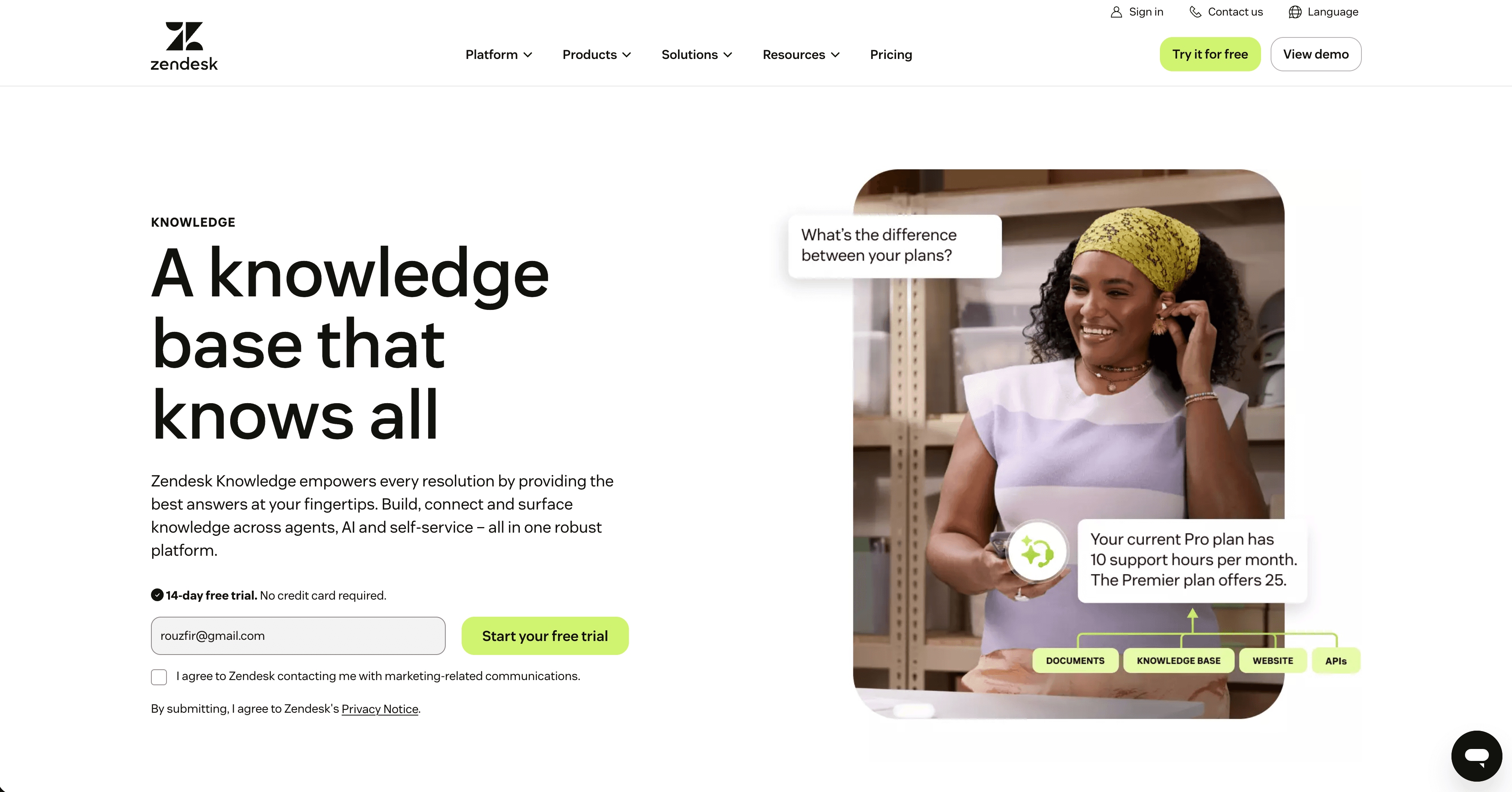
Zendesk Guide is one of the most widely used help center platforms, and its multilingual support is solid. You can create separate content for each locale, apply dynamic content (locale-aware text snippets reused across articles), and set default languages per help center.
Machine translation is available through third-party integrations. The platform itself focuses on the help center structure and article management, not content creation or video hosting — you'll need additional tools for those.
Best for: Teams already on Zendesk who want a mature, well-supported multilingual help center platform.
Pricing: Help center included in Zendesk Support plans from $55/agent/month
3. Intercom
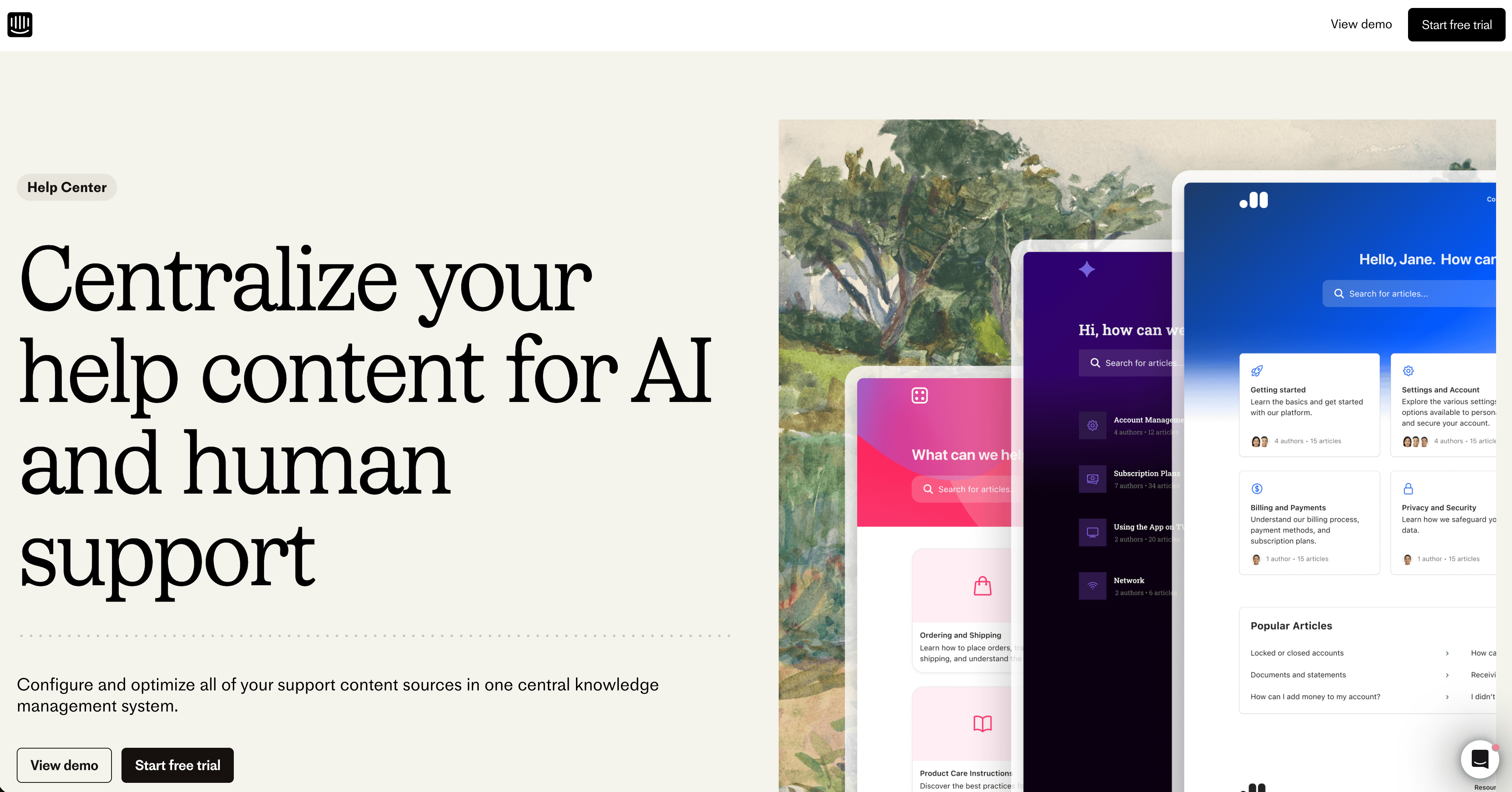
Intercom's help center (Articles) supports multiple languages with per-locale content management. You create articles in your primary language and can add translated versions manually or via integration with translation services.
What makes Intercom relevant here is its in-product delivery. Translated help content is surfaced through the same messenger widget that handles chat, so users in their locale see the right language content when they search from inside your product.
Intercom doesn't auto-translate — you manage translations manually or connect a localization service.
Best for: Teams using Intercom for support who want their multilingual help content surfaced in-product via the messenger.
Pricing: Essential from $74/month; Intercom pricing varies significantly by features and seat count
4. Freshdesk
Freshdesk's help center supports multiple languages and lets you manage per-language article versions. It integrates with Unbabel and other translation services for automated localization workflows.
It's a solid, cost-effective option for teams that want a full support platform (tickets, live chat, phone) with multilingual self-service built in. Less flexible than Zendesk for complex content structures, but sufficient for most SaaS teams.
Best for: Teams that want a cost-effective all-in-one support platform with multilingual help center capabilities.
Pricing: Free plan (limited); Growth from $15/agent/month
5. Helpscout
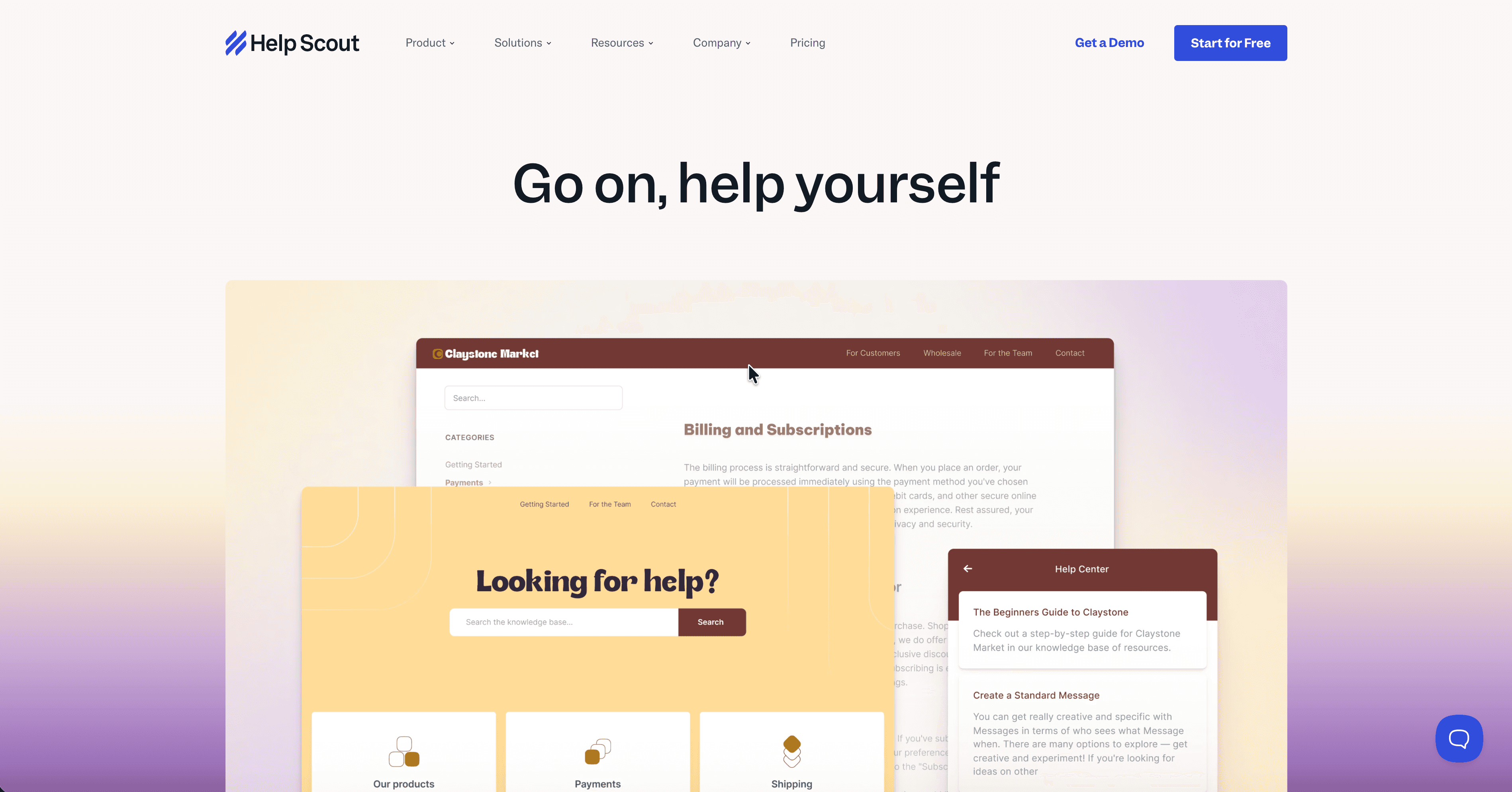
Help Scout's help center (Docs) has limited native multilingual support — it doesn't offer per-locale content management out of the box. Teams typically work around this with separate help center instances per language or third-party translation integrations.
Where Help Scout shines is simplicity and design. The help center is clean, fast, and easy to set up. For teams that prioritize a great reader experience over complex multilingual workflows, it's worth considering — especially if you're managing a small number of languages.
Best for: Smaller teams that need a clean, simple help center and are comfortable managing translations manually or through integrations.
Pricing: Standard from $25/user/month
6. Document360
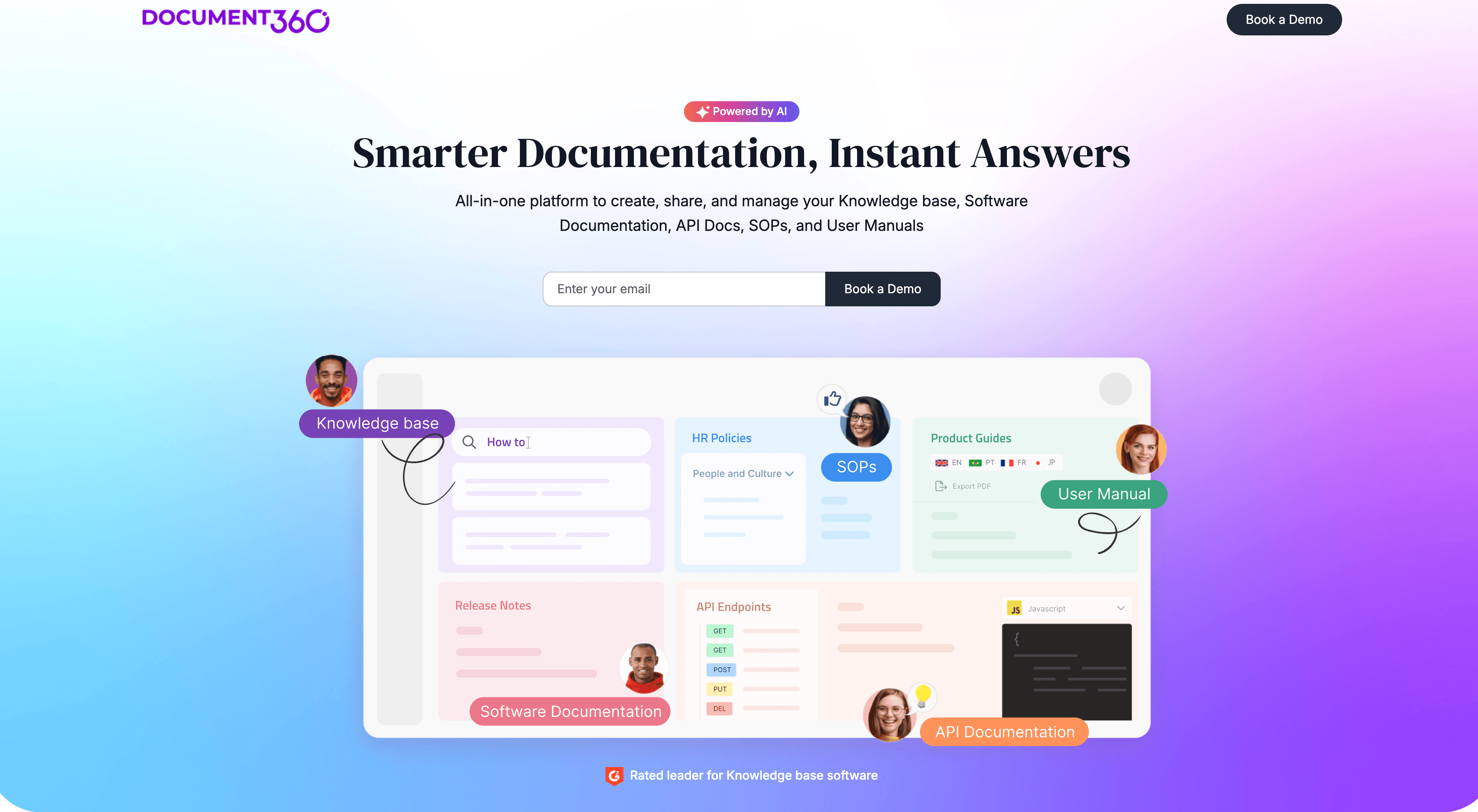
Document360 is a knowledge base platform built specifically for documentation teams. It has strong multilingual support — you can manage translations per article with side-by-side editing views, publish per-locale content, and track translation status across your knowledge base.
It supports API-based integrations with translation services for automated workflows. It's more documentation-focused than customer support-focused — better suited to teams building technical docs, product guides, and knowledge bases than teams managing ticket workflows.
Best for: Documentation teams building structured, multilingual product documentation or technical knowledge bases.
Pricing: Startup from $149/month
7. Phrase (formerly Memsource)
Phrase is a localization management platform rather than a help center platform — it's the translation workflow layer that sits on top of your existing help center. It integrates with Zendesk, Intercom, WordPress, and many other content platforms to pull content for translation, manage translation memory, and push translated content back.
If you already have a help center and want a professional, scalable translation workflow — with translation memory, terminology management, and the option to involve human translators — Phrase is one of the best options in the market.
Best for: Teams with an existing help center that need a professional localization workflow for high-volume, multi-language translation.
Pricing: Essentials from $27/month (pay-per-word for MT); full platform pricing is custom
How these tools compare
Tool | Auto-translate tutorials | Video support | LiveSync updates | Help center platform | Best for |
|---|---|---|---|---|---|
Clevera | Yes (video + articles) | Yes | Yes | No (integrates) | Tutorial-heavy multilingual docs |
Zendesk Guide | Via integration | No | No | Yes | Zendesk customers |
Intercom | Via integration | No | No | Yes | In-product help delivery |
Freshdesk | Via integration | No | No | Yes | Cost-effective support + docs |
Help Scout | Via integration | No | No | Yes | Small teams, simple needs |
Document360 | Via integration | No | No | Yes | Technical documentation |
Phrase | Yes (translation layer) | No | No | No (integrates) | High-volume localization workflows |
Which tool should you choose?
The right answer depends on what's missing in your current stack:
If you don't have a help center platform yet: Start with Zendesk Guide, Intercom, or Freshdesk. They combine ticket management, in-product help delivery, and multilingual article support in one place.
If your biggest gap is tutorial video content in multiple languages: Clevera. It's the only tool in this list that translates video narration automatically — not just help articles. For SaaS teams where tutorial videos are a core part of the support strategy, translating articles without translating the videos creates a half-localized experience.
If you already have a help center and need to scale translation: Phrase or a similar localization management platform gives you the workflow infrastructure to handle high-volume translation professionally.
If you want everything automated: Clevera for video + article content creation and translation, paired with a help center platform for hosting and search. That combination gives you the most coverage with the least manual effort per language.